App
Browse every skill and server you have, see what's actually earning its place, and clear out the rest.

dial your Skills, MCPs, and Instructions for a pristine information environment. signal ↑ noise ↓
macOS 26+ · Apple Silicon
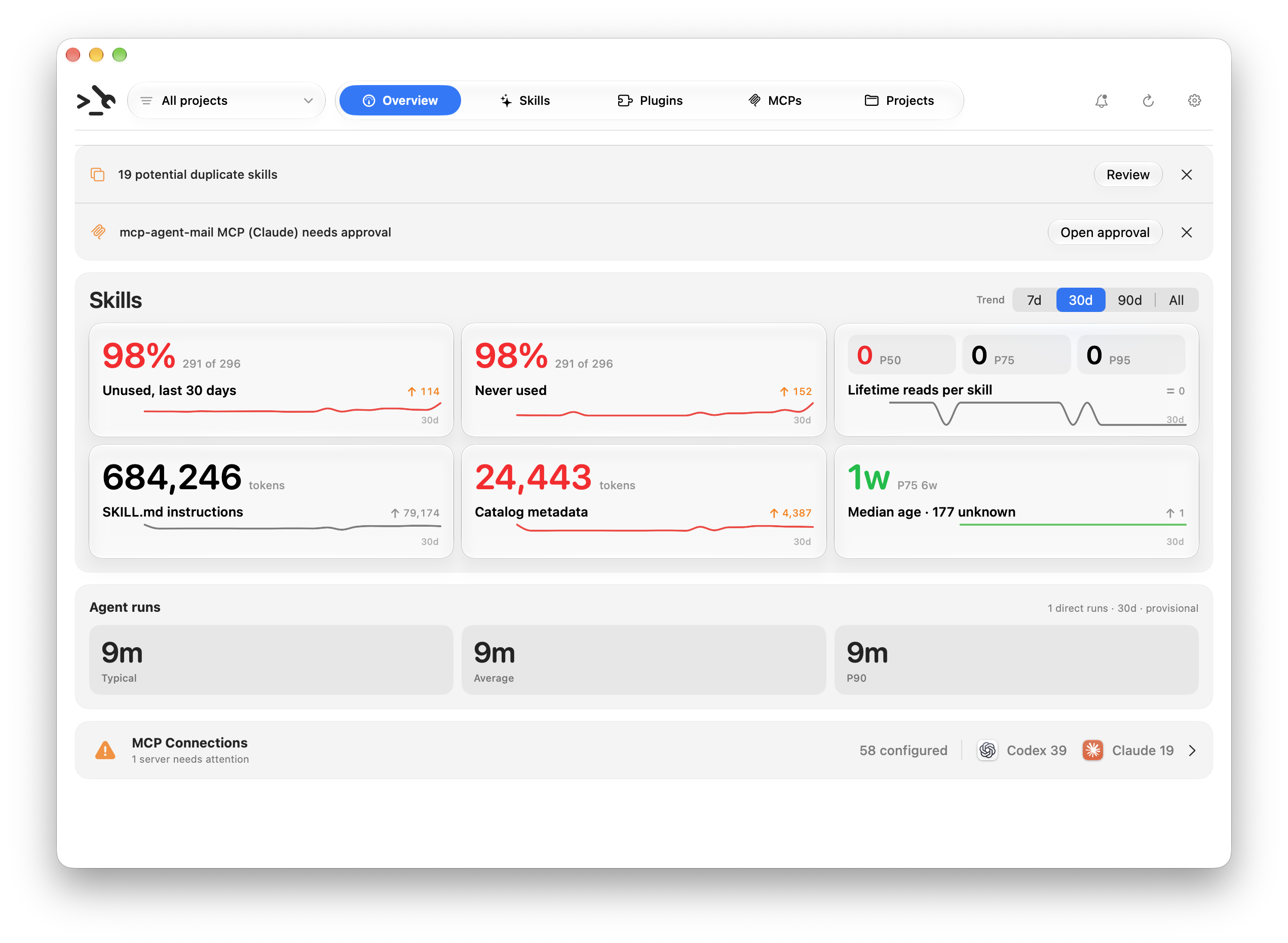
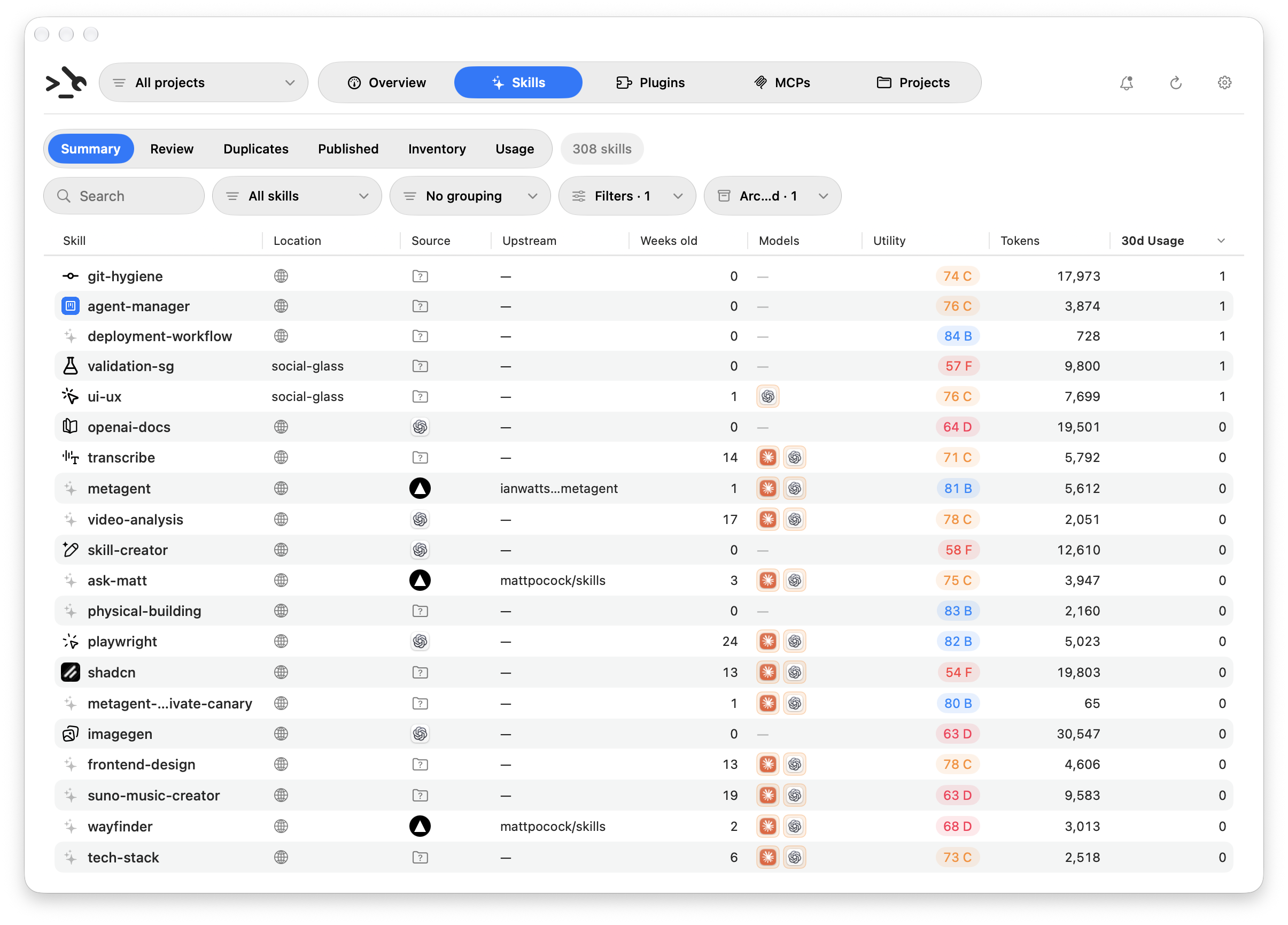
App
Browse every skill and server you have, see what's actually earning its place, and clear out the rest.
CLI
The same report as JSON, for any folder. Drop it in a script, a hook, or CI.
MCP
Your agent reads its own setup before it starts guessing. The MCP surface is read-only.
what it covers
The guidance that actually applies in this folder.
What's in scope, and where each one came from.
Which servers this project is wired to.
how you control it
What your agent really reaches for, not what you assume.
Which of it earns the context it costs you.
What's worth fixing, without invented urgency.
| Capability | App | CLI | MCP |
|---|---|---|---|
| Browse skills and servers | ✓ | ✓ | ✓ |
| Full project report | ✓ | ✓ | ✓ |
| Health findings | ✓ | ✓ | ✓ |
| Real usage evidence | ✓ | ✓ | ✓ |
| Utility scores | ✓ | ✓ | · |
| Duplicate detection | ✓ | · | · |
| Repair and remove | ✓ | ✓ | · |
configured, installed, observed, and healthy are four different things. metagent keeps them apart instead of flattening them into one status.
inventory, usage history, and analysis stay on your Mac. the app sends anonymous aggregate product analytics to PostHog by default; switch it off any time in Settings. no account required.
DownloadmacOS 26+ · Apple Silicon